Resources
Role: Design & front-end development
A launchpad for my design tools. One gallery to open Gradient Studio, Poster Lab and Brand Mockup, all running in the browser.
Role: Concept, Design & Prompting
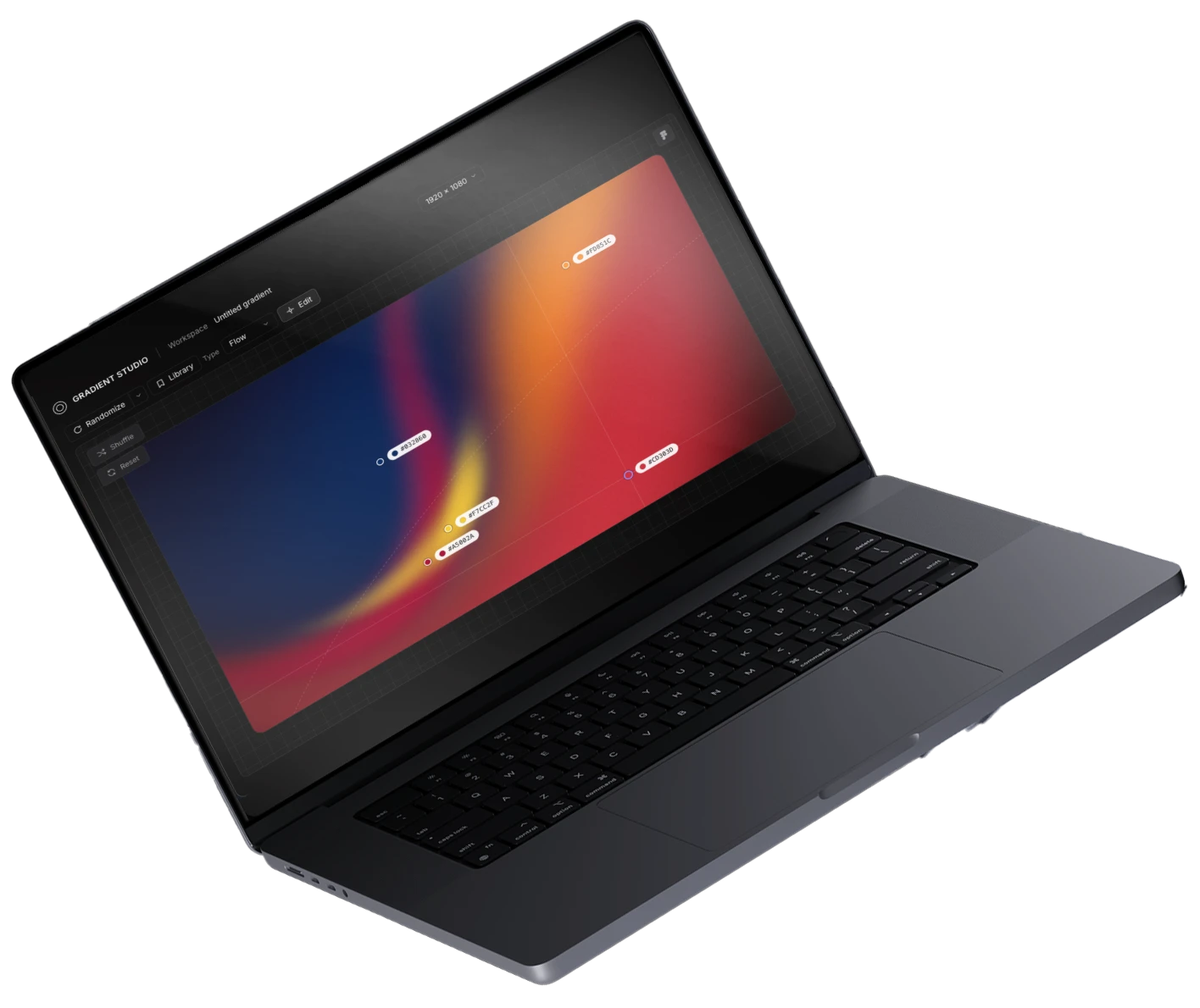
Gradient Studio started as an empty prompt and grew, with Claude, into a working gradient editor: canvas, color points, motion and export.
Make your own: the site shares the two prompts behind it. Run the first to generate the editor, then use the second to refine it. Everything in [brackets] is yours to decide.
Role: Concept, Design & Front-end
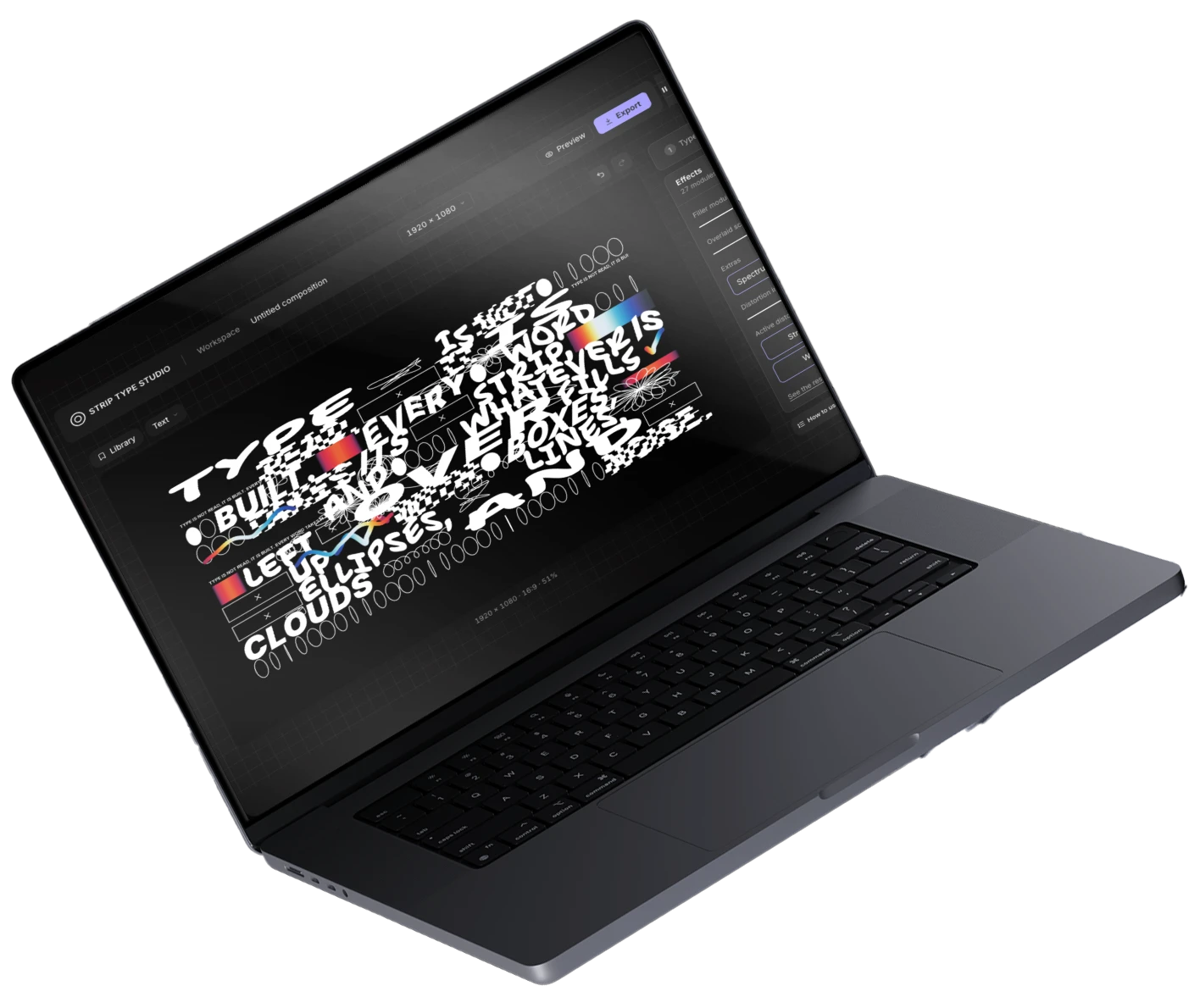
Poster Lab is a tool for designing typographic posters. Type your words, pick one of five starting looks (Loud Blocks, Balloon Type, Flowers, Strip Classic, Another Way) and shape every detail with live controls.
Role: Designer & Prompt Author
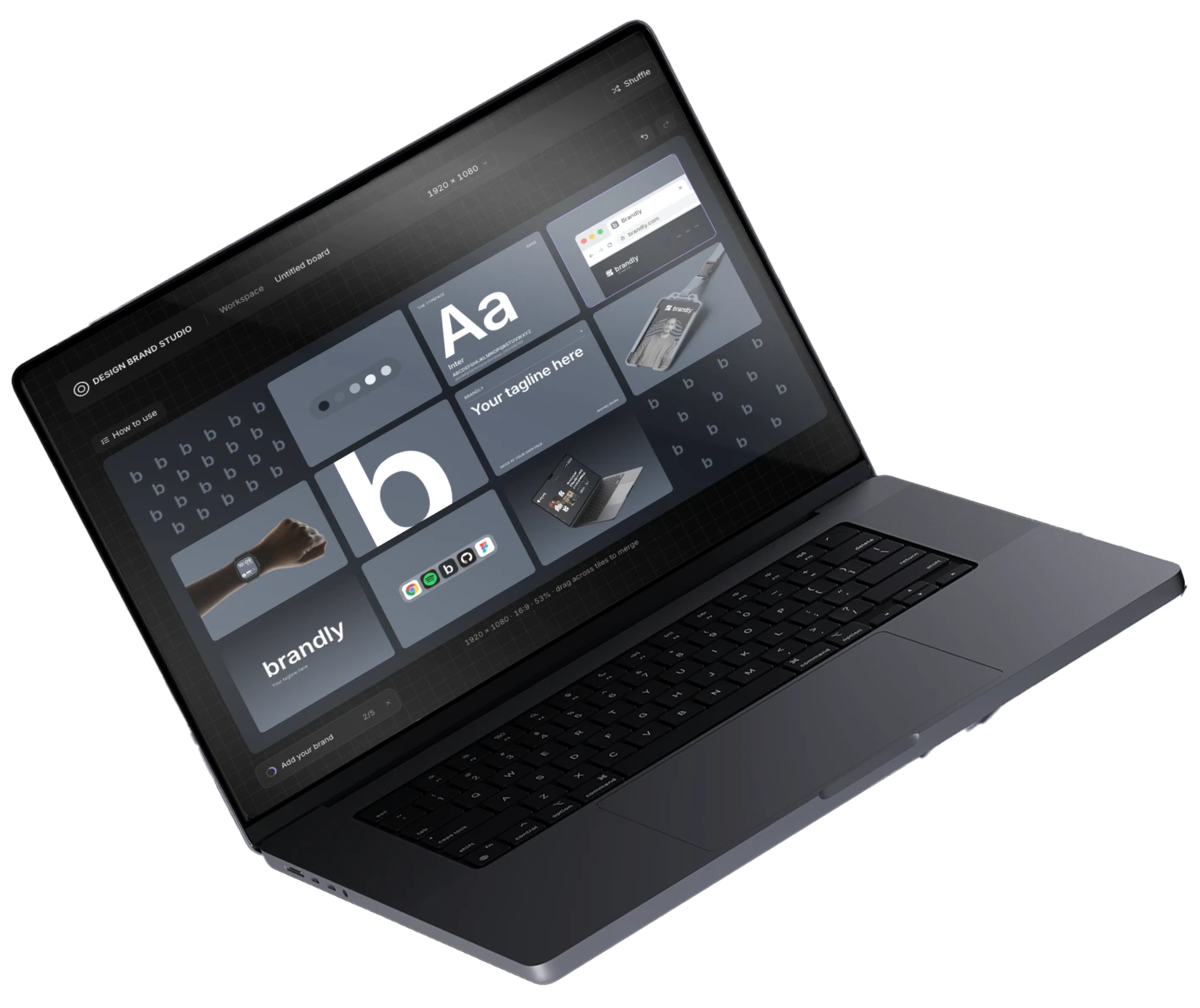
From an empty grid to a brand kit generator, in a few days. Empty tiles become brand modules, and the interface takes shape around them.
Role: UX & Product Designer
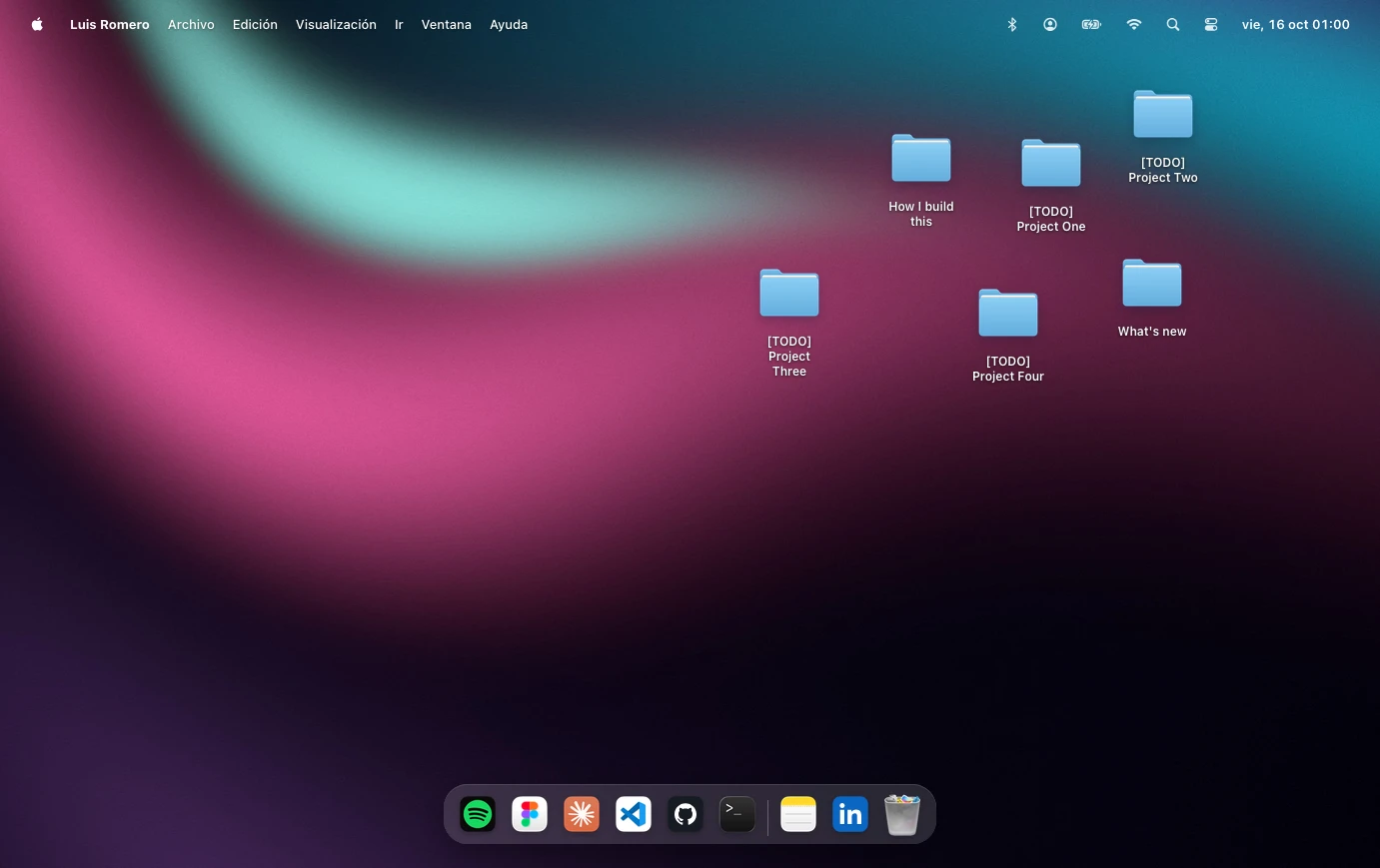
An MVP for my Product Designer portfolio, built around a macOS-style desktop metaphor. I prioritized structure, states and interaction, keeping the styling neutral with all classes and tokens ready for the visual phase.
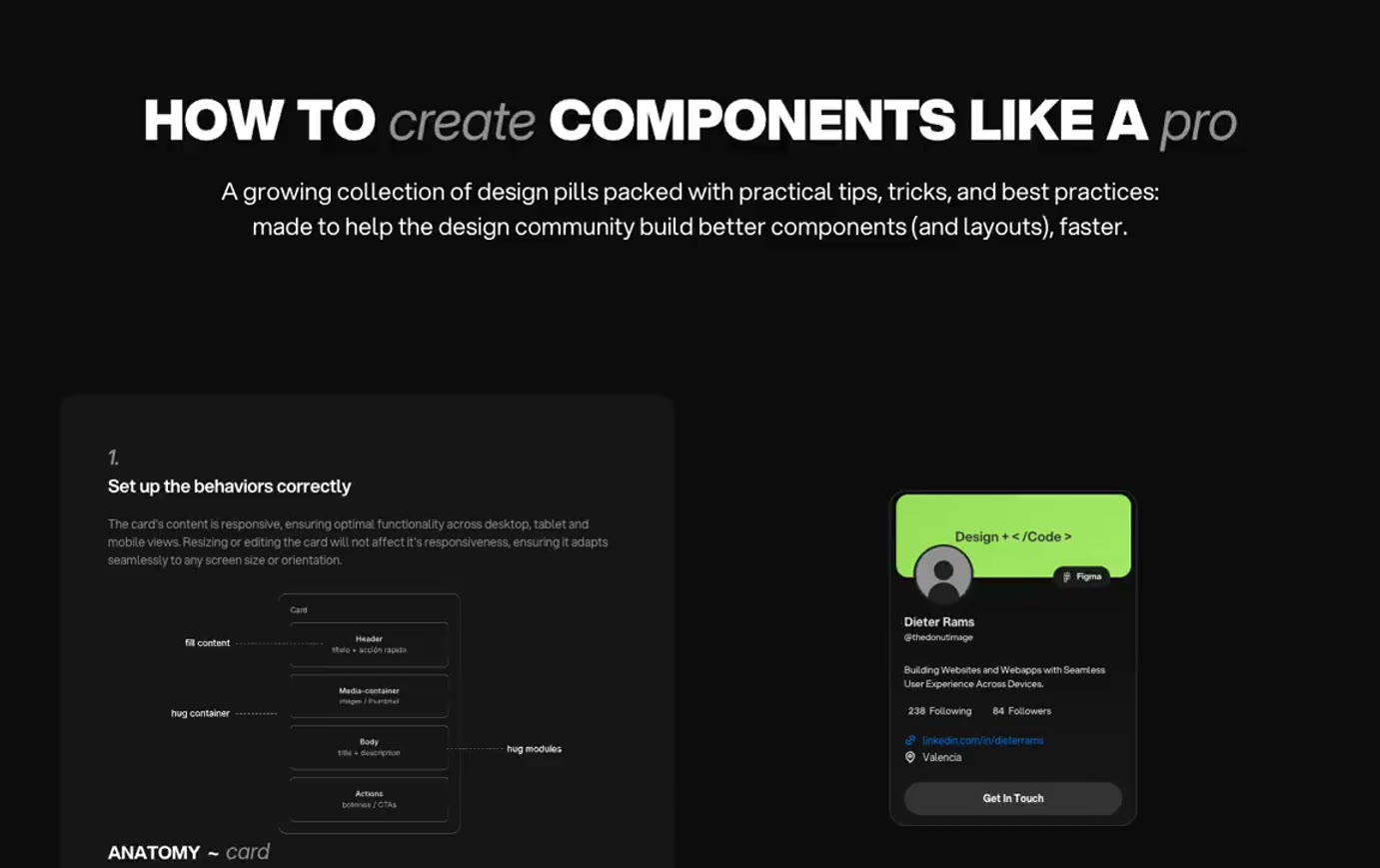
Role: Designer & Content Creator
A growing collection of design pills packed with practical tips, tricks, and best practices, made to help the design community build better components (and layouts), faster.